Installing Slicer on an Intel NUC
Installing Slicer on an Intel NUC.
Running a home lab does not have to be complex or expensive. To prove that, and to help save your hard earned money, I installed Slicer on a 10 year old Intel NUC.
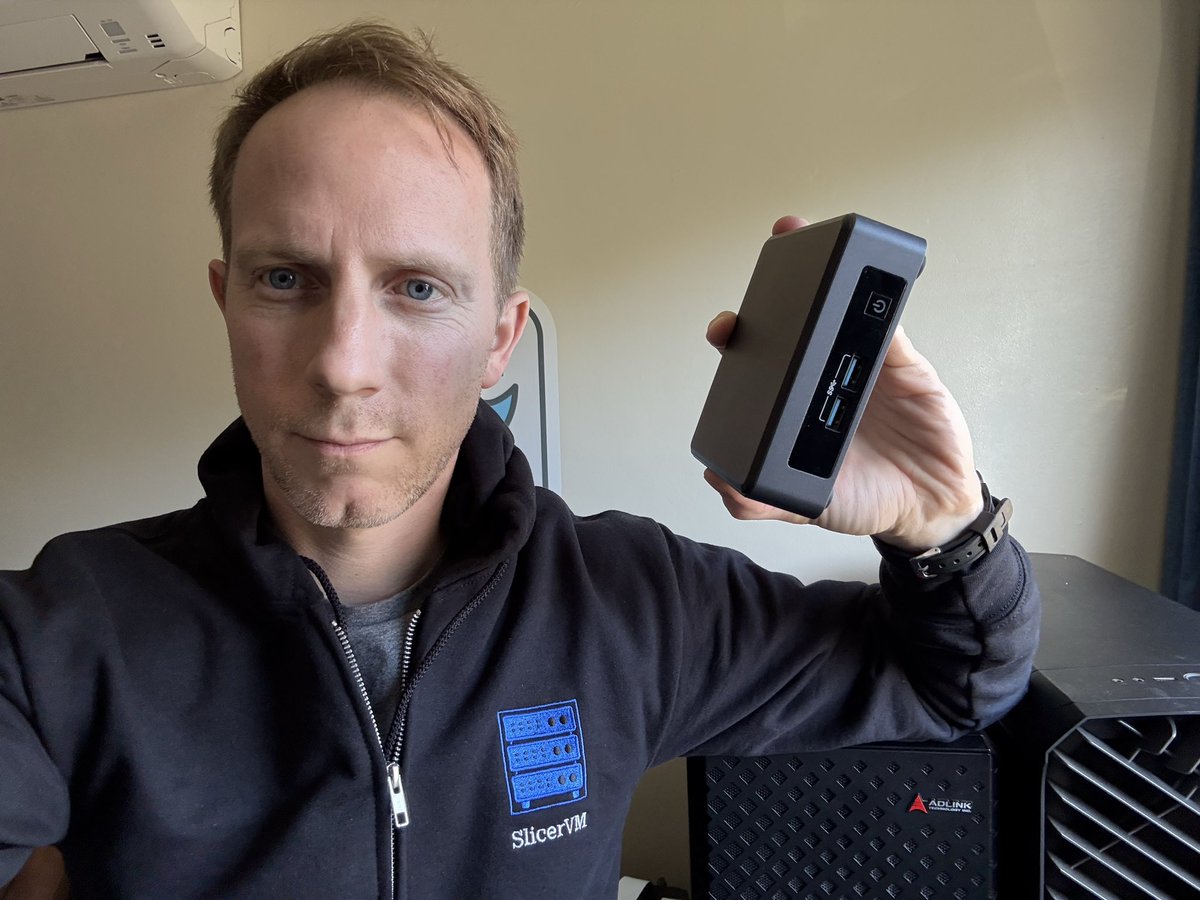
Han from the Slicer team also joined me part way through the stream where we talked a bit about Slicer and its use-cases.
We install Ubuntu Server, which for many of you will be a familiar experience. So why show it in detail?
For one, because we want to show you the whole experience, from picking the hardware, to booting the OS, to installing Slicer and running a microVM with Firecracker.
Here's the breakdown of the stream:
- 01:35 Intro & what we’ll cover
- 06:04 Ubuntu Server install on Intel NUC
- 09:22 Han from the team joins us
- 09:53 NUC - adding GitHub SSH keys; finding the IP; and SSH
- 19:16 Sudo NOPASSWD; activate Slicer Home
- 28:23 Create multiple VMs; Slicer API basics
- 30:25 Plan & install K3s with k3sup-pro
- 33:52 Install OpenFaaS CE on K3s
- 34:50 Mugs promo (limited run)
- 47:55 OpenFaaS Edge (no Kubernetes) + ZFS/devmapper
- 50:35 Build & deploy a Go function (env, secrets, auth)
- 57:09 One-shot tasks (webhook demo)
Watch the recording from the live stream:
Other hardware for Slicer
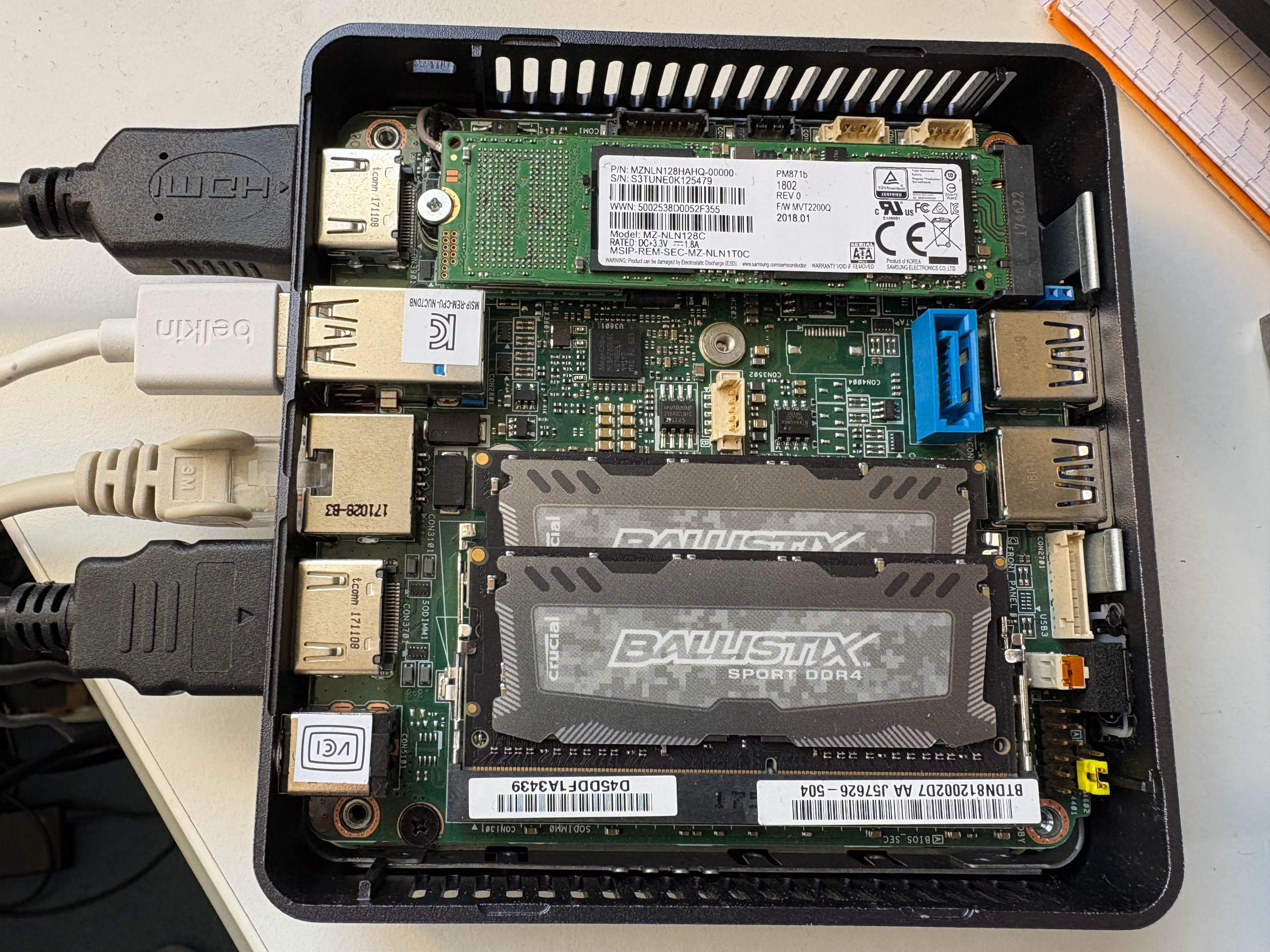
Intel NUC opened up to add a spare NVMe drive
If you don't have an old Intel NUC hanging around, just about any hardware you can buy on eBay will do the job. If it can run Linux, and supports KVM, that's all you need.
What about the Raspberry Pi? Slicer also runs very well on a Raspberry Pi 4 and 5, especially when coupled with an NVMe drive and 8 or 16GB of RAM.
In my home office, I run the following:
- N100 (1/2) - runs our code review bot powered by opencode, every PR create a microVM to review the code and post feedback to GitHub, and it's been incredibly useful for our small team
- N100 (2/2) - a development host for testing Slicer itself, Actuated, and other features/changes we make to our products. "It works on my machine" is not our mantra, so we always test on separate hardware.
- AMD Ryzen 9 - my old workstation, rebuilt into a new case running 2x Nvidia RTX 3090 GPUs that can be mounted into Slicer using VFIO passthrough and Cloud Hypervisor. Both can be passed into a single VM, or we can launch two VMs with one GPU each.
- Ampere Altra Dev Platform (AADP) - the AADP has an Arm CPU with 96 Cores and 192 GB of RAM. It's where Slicer was originally developed to run large scale Kubernetes clusters for OpenFaaS customer support.
- Mac Mini M1 - the Mac Mini has Asahi Linux installed, and runs actuated permanently. We use it to build all the OS images for both Slicer and Actuated, for the Arm platform.
- Raspberry Pi 5 - an 8GB Raspberry Pi 5 with an NVMe and Argon ONE V5 enclosure was used to test the Kubernetes Cluster Autoscaler for Firecracker (powered by Slicer).
And there are various other devices that come in and out of rotation depending on the project.
Public cloud
Slicer, and its microVMs can be exposed via tunnels such as Inlets to the public Internet. If you're really saving pennies, you can use port-forwarding for free, however that comes with limitations, and also exposes your basic home address (coarse location) to anyone on the Internet.
For our core workloads at OpenFaaS Ltd, we use Hetzner's bare-metal servers aka "Robot". A single large host may only cost 50-100 EUR / per month, but can be split into various microVMs to run our API servers, telemetry services, and long-term Kubernetes clusters for OpenFaaS demos and customer support.
As I mentioned in Preview: Slice Up Bare-Metal with Slicer, a single 2vCPU / 4GB VM on DigitalOcean may end up costing 4x the amount of a large bare-metal server, with local NVMes for storage, unlimited bandwidth and full control of the hardware.
If you use a network tunnel, you can buy an Intel N100 for around 200-300 EUR with 32GB of RAM and a 1TB NVMe drive, and run Slicer on it and only pay once, instead of every month.